Pollen Infoscreen
Description
The Pollen Infoscreen is a WebAPI based solution that displays allergy risk based on set location and contaminants. To better tailor the user experience, it is possible to set custom contaminants along with the general allergy risk input via WebAPI.
This solution requires active WebAPI data binding and can only be properly run via our PlayerConnector. Is not fully functional in the built-in SceneComposer player.
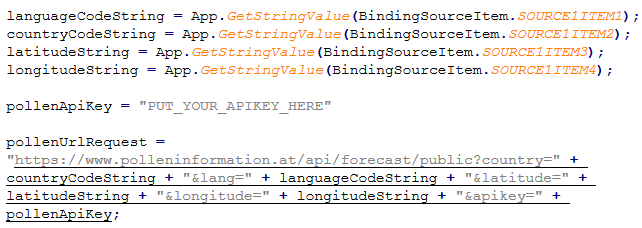
IMPORTANT: Please request a new API key to use in the associated script (see collapsible block below).
For more info on the deployment on HW please check our Target Setup Guide.
The solution has a resolution of 1280 * 720 and features an overview scene as well as an insights scene where further contaminants are displayed.
Overview scene:
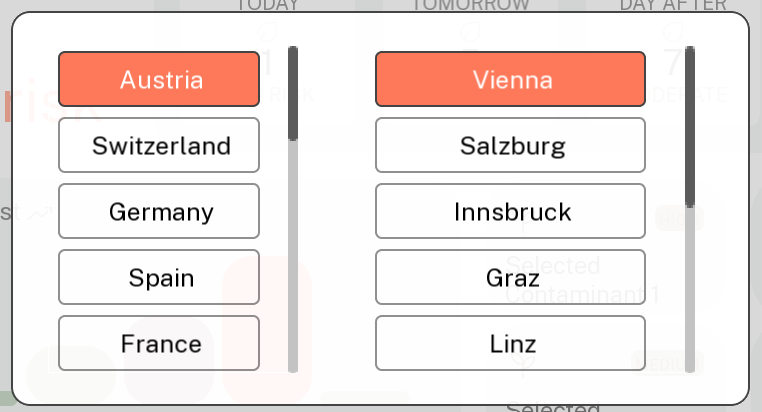
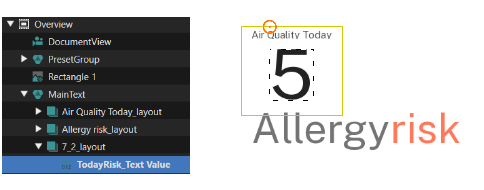
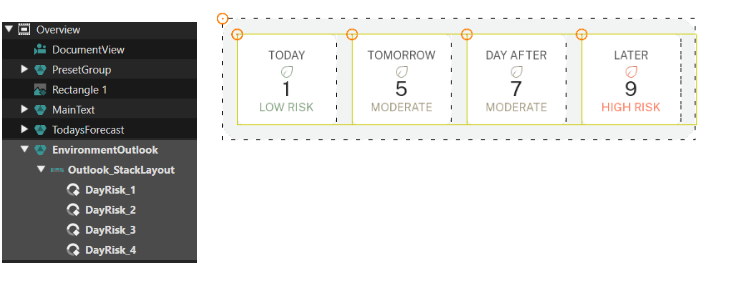
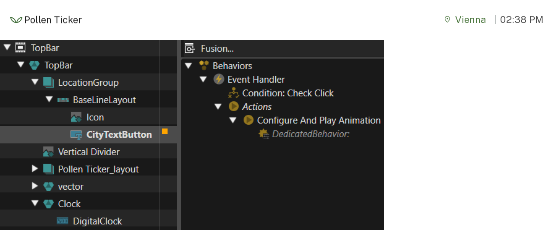
The overview scene features the most important information at one glance. Via clicking the location (in this case Vienna) the user can select different countries and cities. In the top left corner the overview scene shows the general allergy risk (depending on the strongest contaminant that day) and shows the forecast for the upcoming 3 days as well in the box next to it.
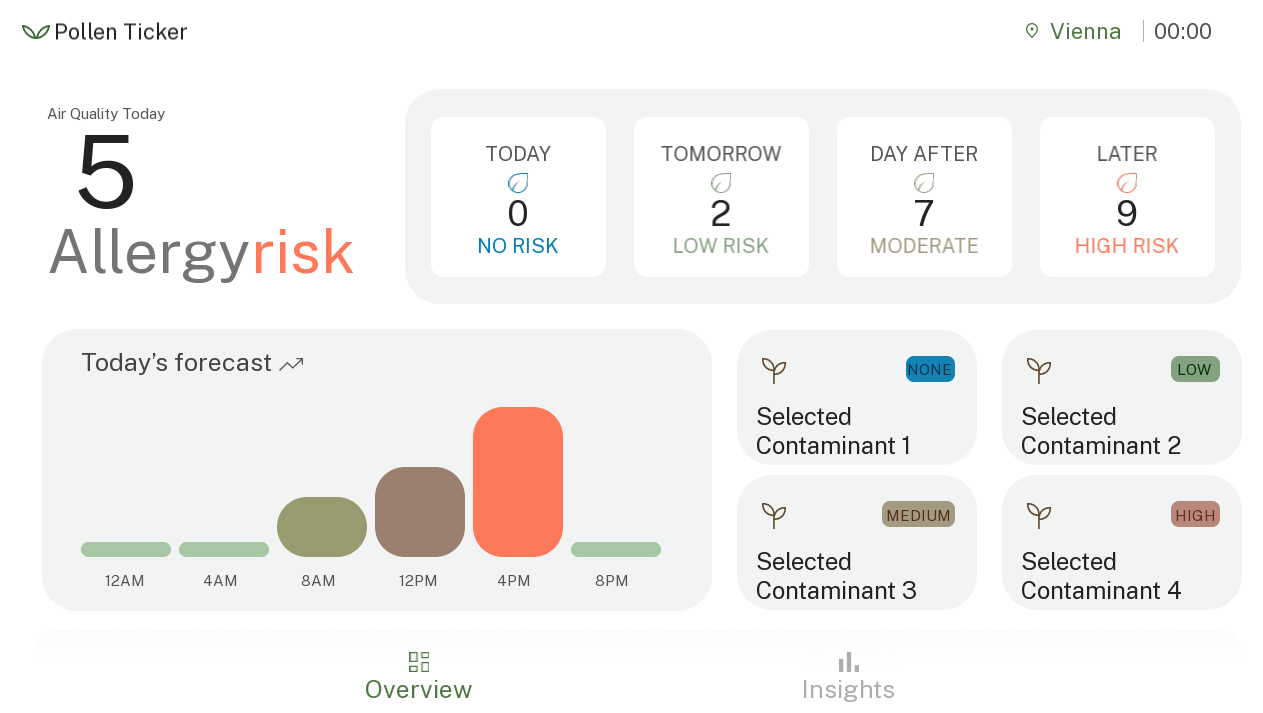
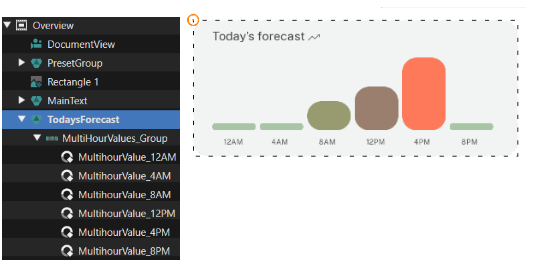
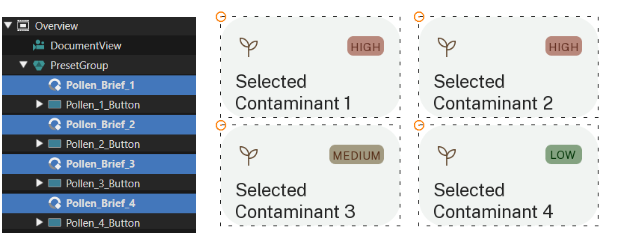
In the left bottom corner the forecast for the day is shown on a more granular level in 4-hour intervals. In addition to the general information the users can set up to 4 individual contaminants to also have the most relevant ones available at a glance.
Dynamic Elements:
- Clock control
- Air Quality – text value
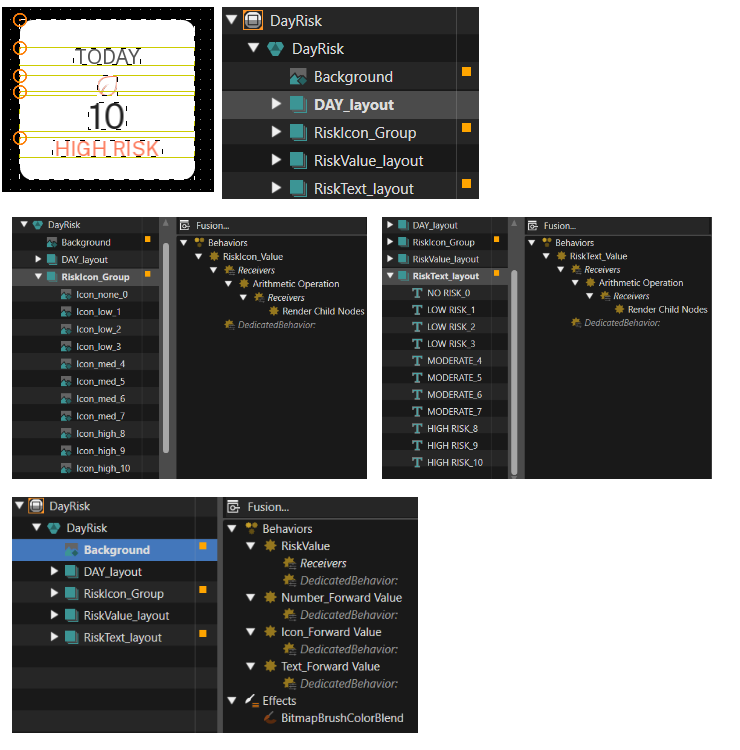
- DayRisk control (4 week days)
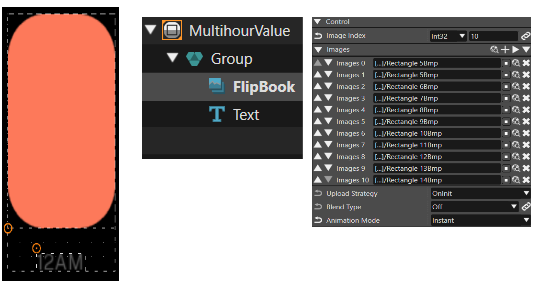
- MultihourValue control (bars with 10 levels/images)
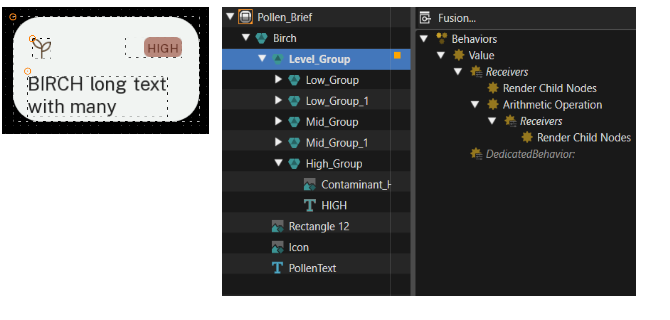
- Pollen_Brief control (level of preselected contaminant, with 4 levels, triggers list of contaminants)
- City Button (triggers location list)
- Insights Button (switches to contaminants list scene)
Insights scene
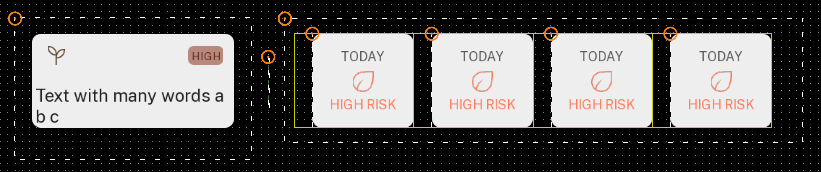
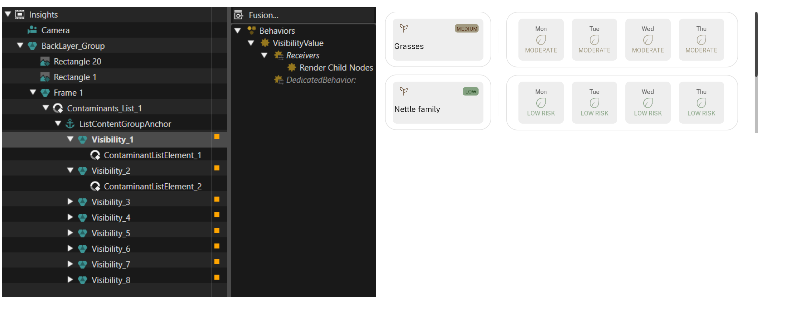
The insights scene features a list of up to 8 available contaminant information available via WebAPI. The list hierarchy is taken over from the WebAPI data and is usually ranked by strongest to weakest contaminant (with the strongest contaminant on the top of the list).
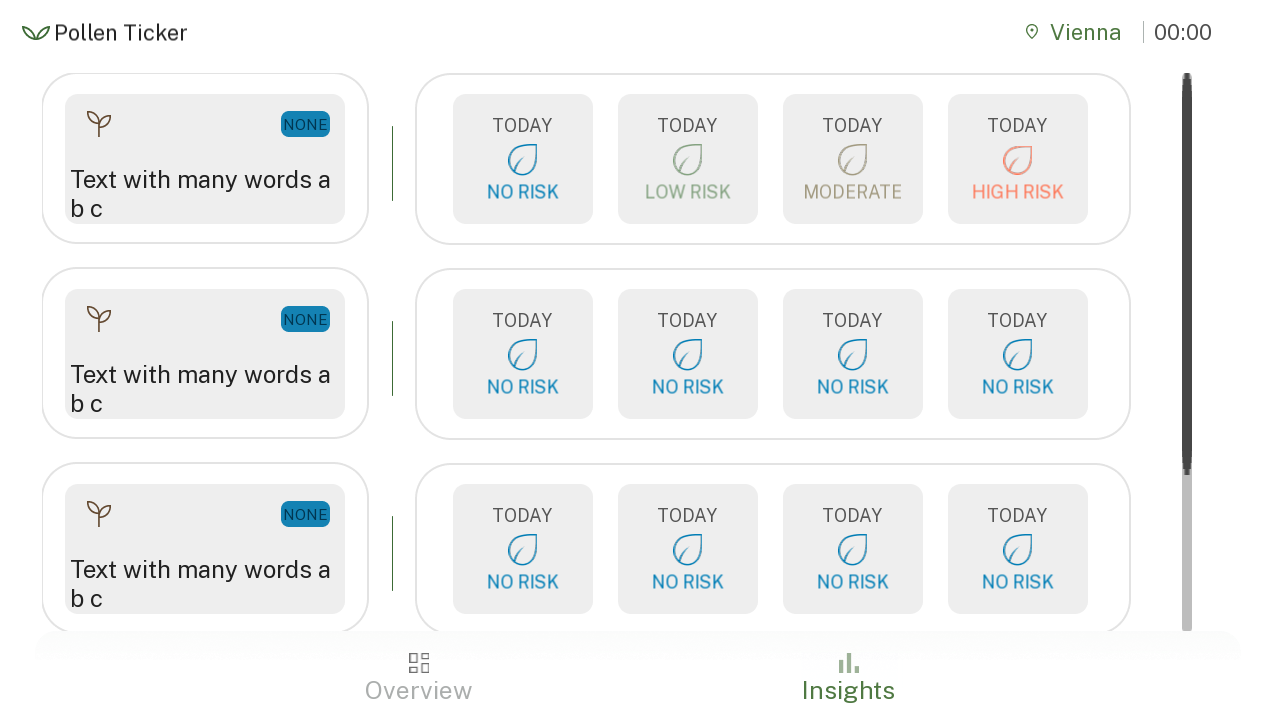
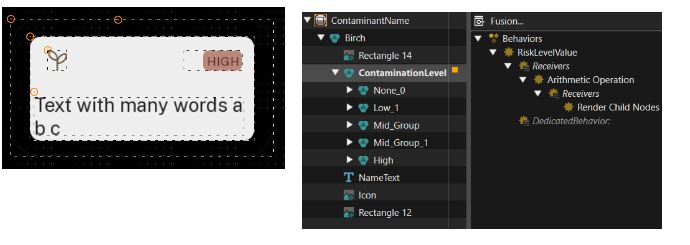
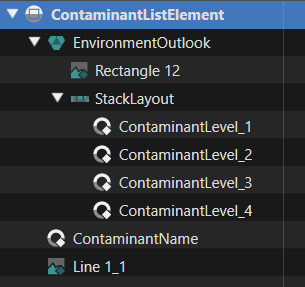
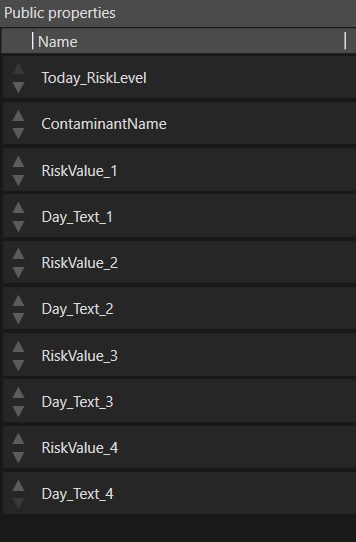
- ContaminantName control
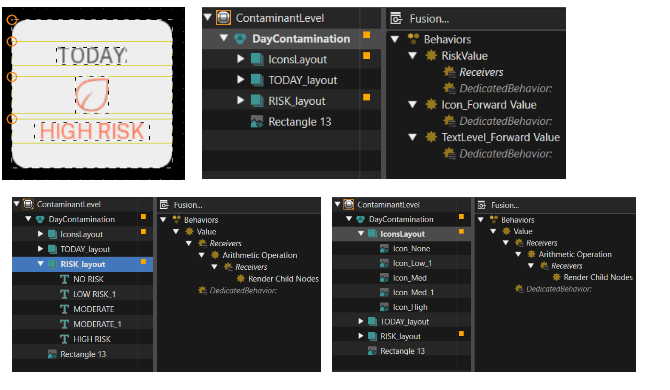
- 4 x ContaminantLevel
Since we have many similar elements, we can create a template for each type and instance it several times.
Controls
Below you can find detail explanations of the individual controls and properties as used for the Pollen Infoscreen solution.
DayRisk
PollenBrief
MultihourValue
ContaminantLevel
ContaminantName
ContaminantsListElement
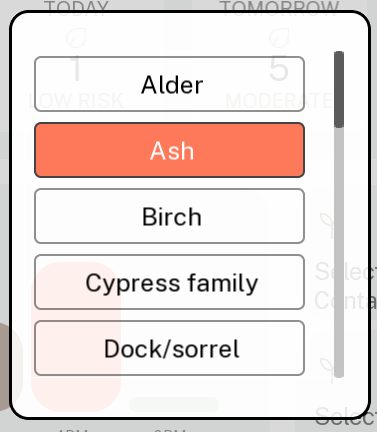
Contaminant
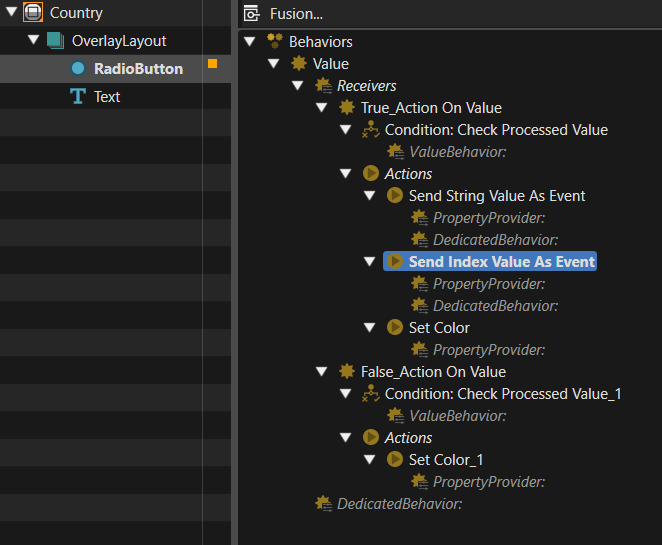
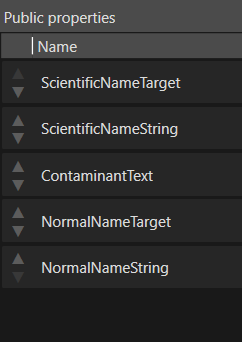
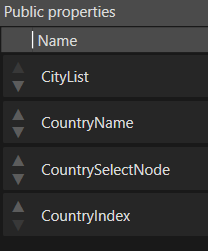
Country
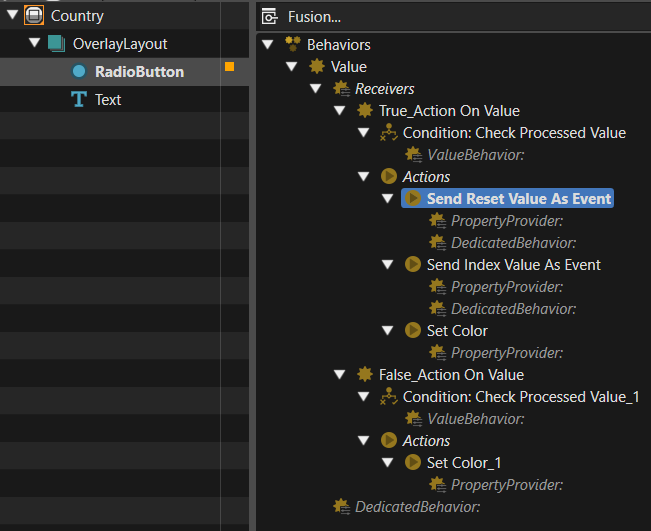
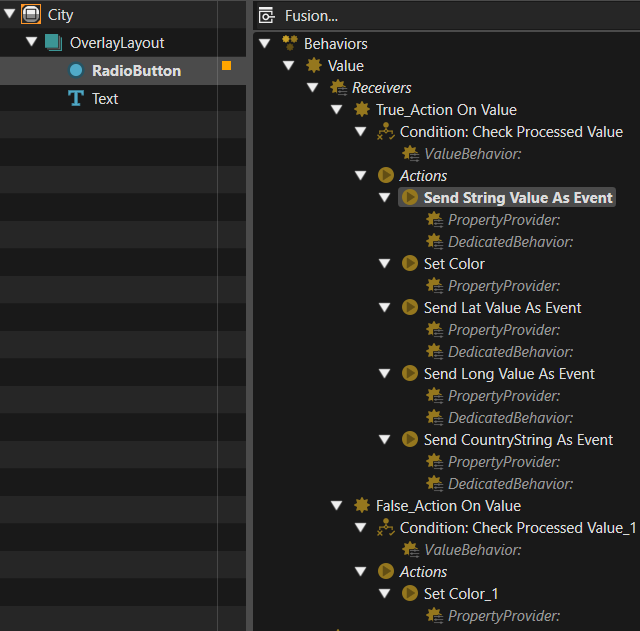
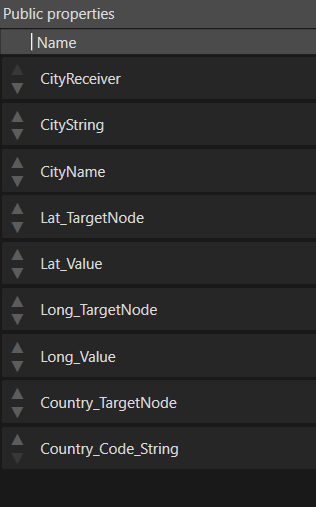
City
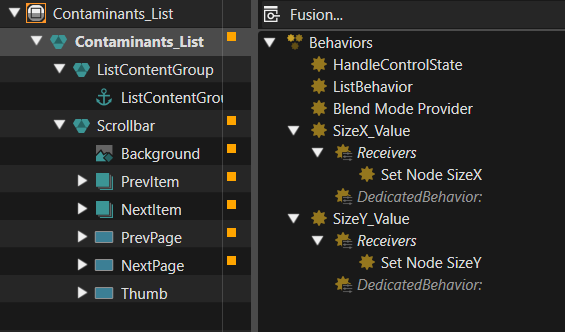
Contaminants_List
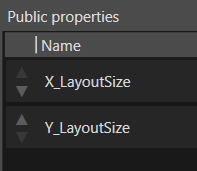
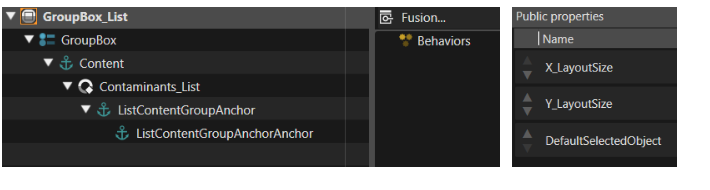
GroupBox_List
Scenes
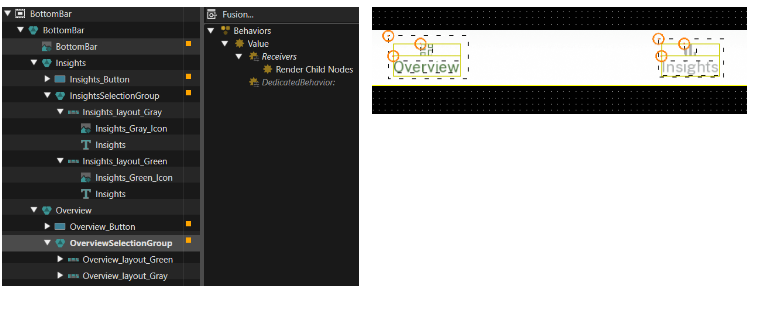
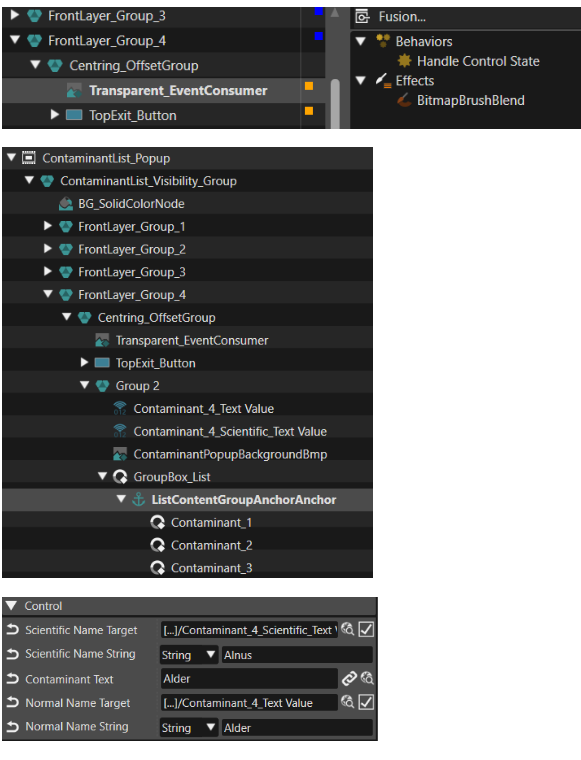
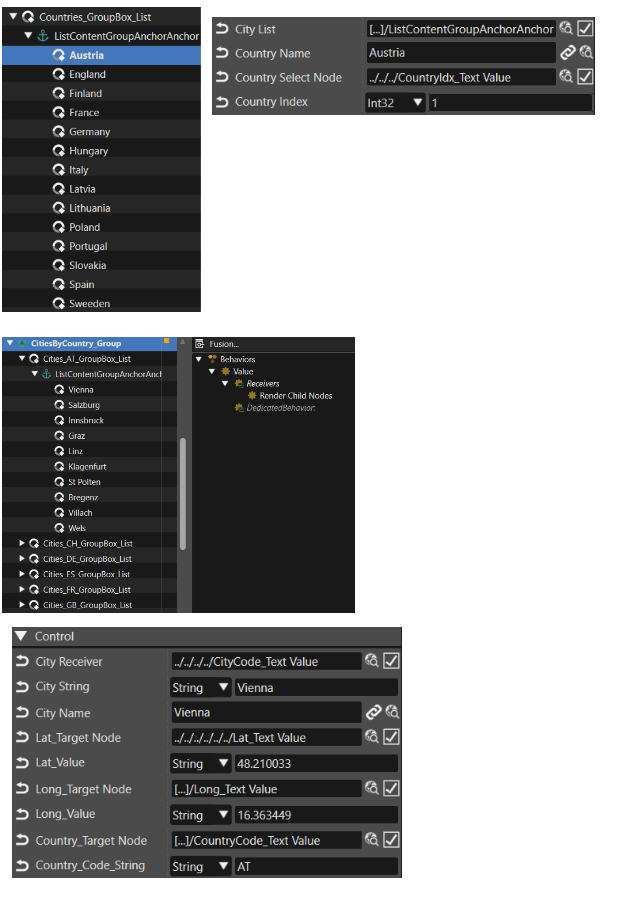
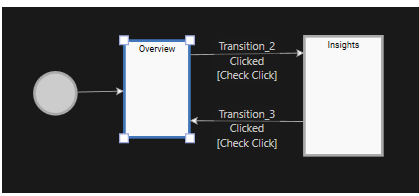
The app has 2 main scenes, the “Overview” and the “Insights” scene, and can switch between them using the buttons on the bottom bar. The “TopBar” and “BottomBar” scenes are always loaded and visible. For selecting items from lists, there are also two smaller scenes always loaded, and their visibility is controlled by triggering animations: “Location_Popup” and “ContaminantsList_Popup”.
Overview Scene
Insights Scene
TopBar Scene
BottomBar Scene
ContaminantList_Popup Scene
Location_popup Scene
Other elements
Below you can find more information on the remaining elements not belonging in the controls and scenes chapter.
Associated script (WebAPI)
State Machine
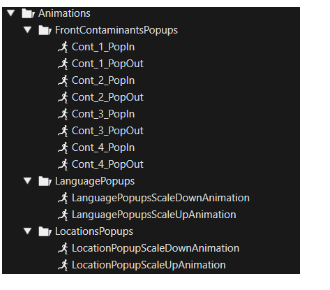
Animations