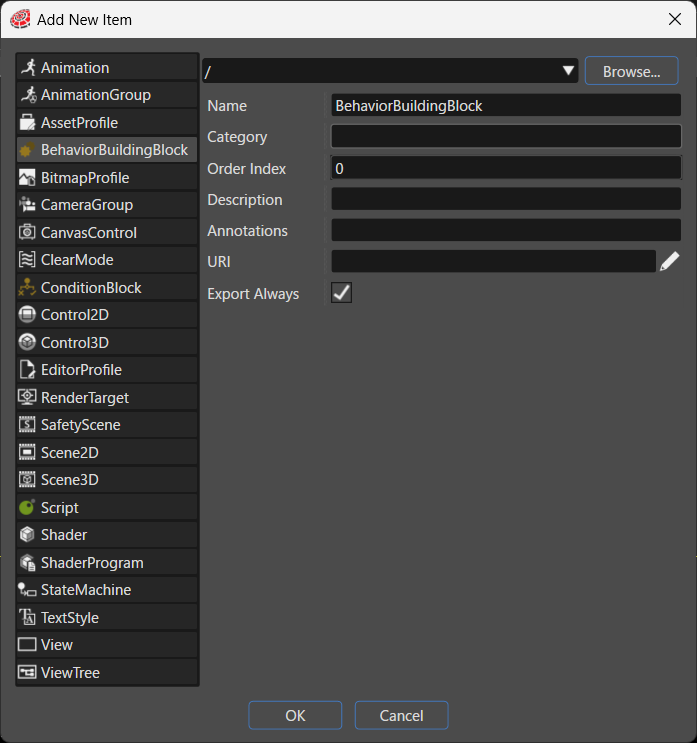
BehaviorBuildingBlock
This
item adds a new Behavior Building Block to the solution. Use a Behavior Building Block to nest multiple behaviors into a single block and handle that block as a reusable component.
Item
Description
Destination path
Specifies the folder in the solution where the system places the new item. Click Browse... to select an existing folder.
Name
Sets the name of the new item.
Category
Specifies the category that the new item belongs to. The Toolbox uses this category to classify the item in the Behaviors section.
Order Index
The Toolbox uses the Order Index to sort controls.
Description
Describes the new item in detail.
Annotations
Serves as storage for notes and other project-related information. The system exports the entered text to the HMI report.
URI
You can set any URI. If you enter a valid URI, clicking it launches the browser and displays the contents of the link.
Export Always
Specifies whether the system always includes this item as part of the asset.