
Control2D
Adds a new 2D control to the solution.
For the procedure to create a control, refer to Create Controls.
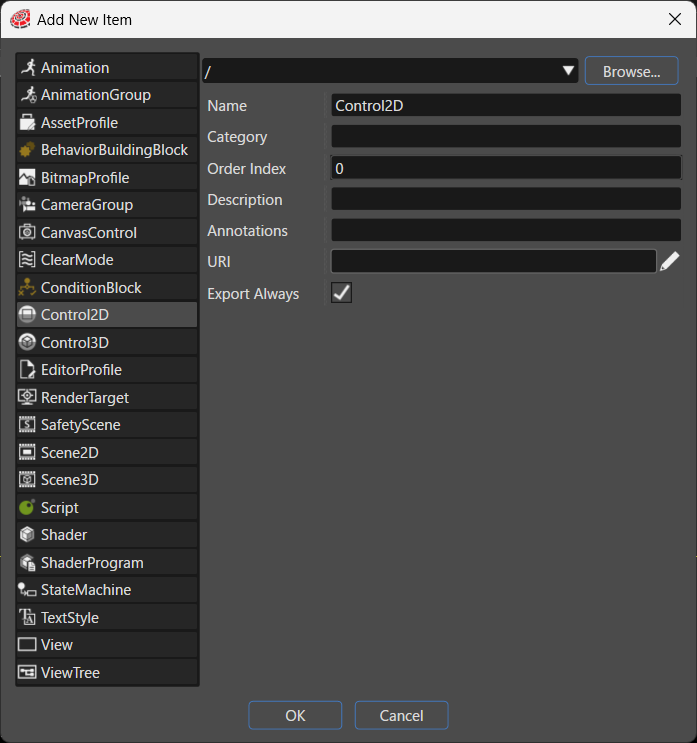
| Item | Description |
|---|---|
| Destination path | Specifies the folder in the solution where the system places the new item. Click Browse... to select an existing folder. |
| Name | Sets the name of the new item. |
| Category | Specifies the category that the new item belongs to. The Toolbox uses this category to classify the item. |
| Order Index | The Toolbox uses the Order Index to sort controls. |
| Description | Describes the new item in detail. |
| Annotations | Serves as storage for notes and other project-related information. The system exports the entered text to the HMI report. |
| URI | You can set any URI. If you enter a valid URI, clicking it launches the browser and displays the contents of the link. |
| Export Always | Specifies whether the system always includes this item as part of the asset. |