
Design Master
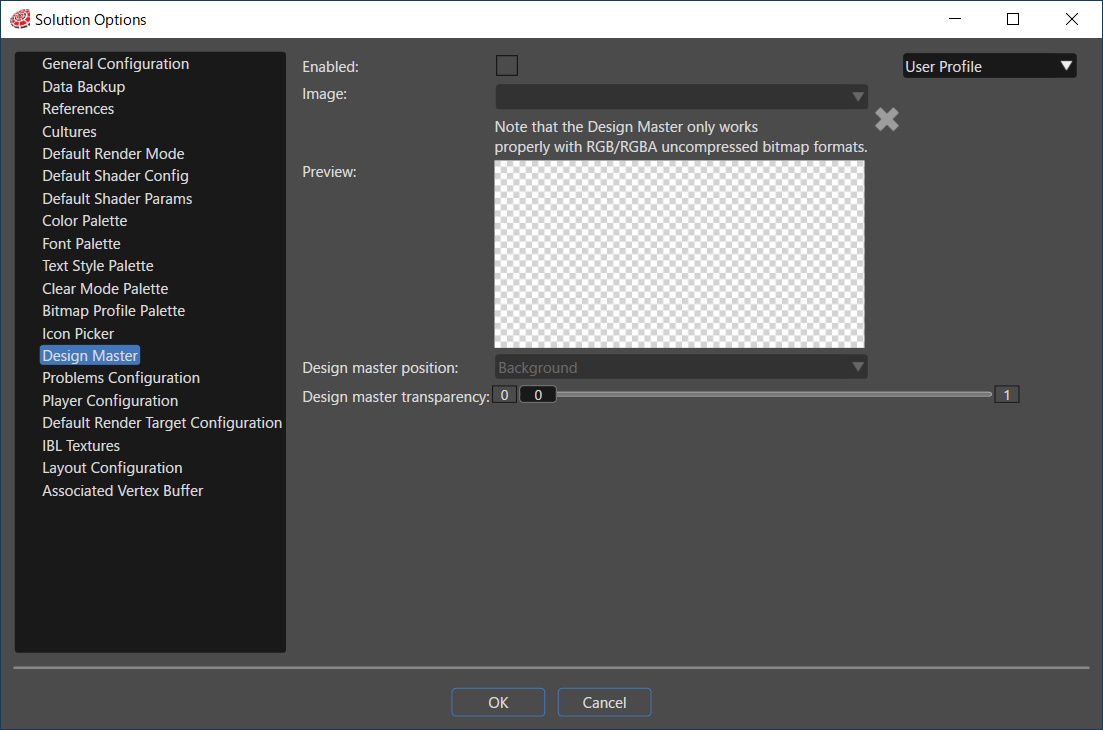
The Design Master allows selecting an image that will be displayed as background image in the camera view in order to help on editing.
- Enable this feature by checking the checkbox "Enable" and then selecting the desired image from the existing images of the solution (previous imported images).
- After that all 2D scenes will have the selected image set as default Design master.
- Change the image used as background for a specified scene by selecting a different image for the scene property "Design Master" from the Properties panel.
When Design Master is enabled, you can select how the Design Master is applied using the Scene2D Design Master Scope property. For details, refer to the Scene2D Properties section.
This feature can also be enabled by using the button placed near Active Rendering.
