
EditorProfile
Adds a new editor profile to the solution. You associate the editor profile with a scene, and the scene references it through its Editor Profile property. By associating an EditorProfile you have created with a scene or a control, you can assign individual Editor Options to each EditorProfile.
For details on how to configure an EditorProfile, refer to SCML Editor.
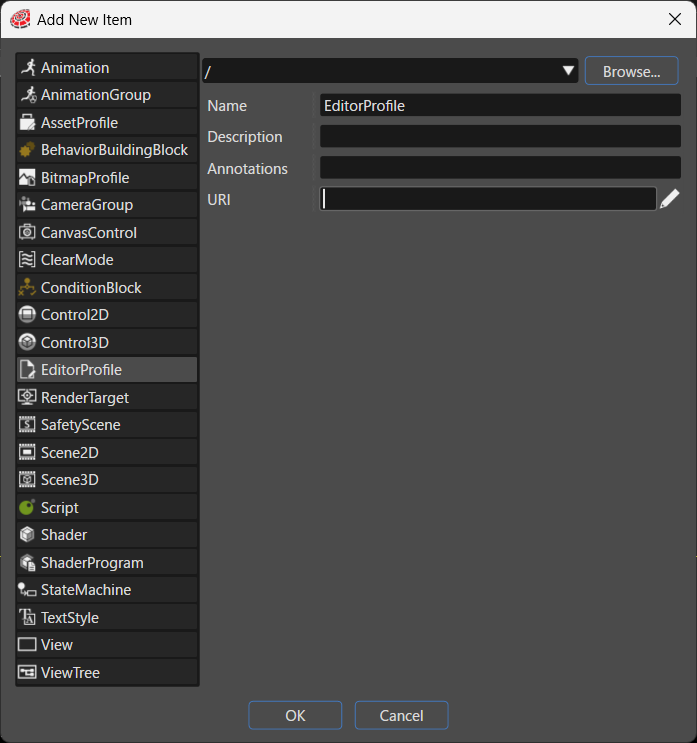
| Item | Description |
|---|---|
| Destination path | Specifies the folder in the solution where the system places the new item. Click Browse... to select an existing folder. |
| Name | Sets the name of the new item. |
| Description | Describes the new item in detail. |
| Annotations | Serves as storage for notes and other project-related information. The system exports the entered text to the HMI report. |
| URI | You can set any URI. If you enter a valid URI, clicking it launches the browser and displays the contents of the link. |