
The example file of Figma
This section describes how to use the instrument cluster as a Figma design file example.file. The example file is stored in the following location.
<root>/cgi_studio_content/2D/Figma/AI_Cluster_Sample.fig
Due to technical limitations, Scene Composer cannot open Figma design files cannot be opened directly in CGI Studio.directly. For this reason, the first step is to import them into your personal Figma account.
Log-Log in to your Figma account.

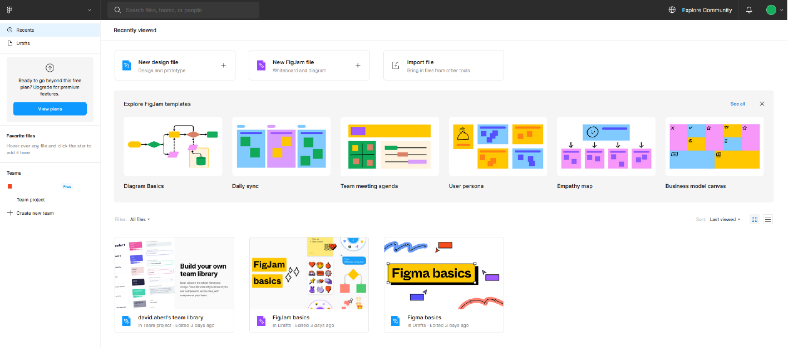
- In your Figma account, click
on "ImportFiles"Files and load the AI_Cluster_Sample.fig file.

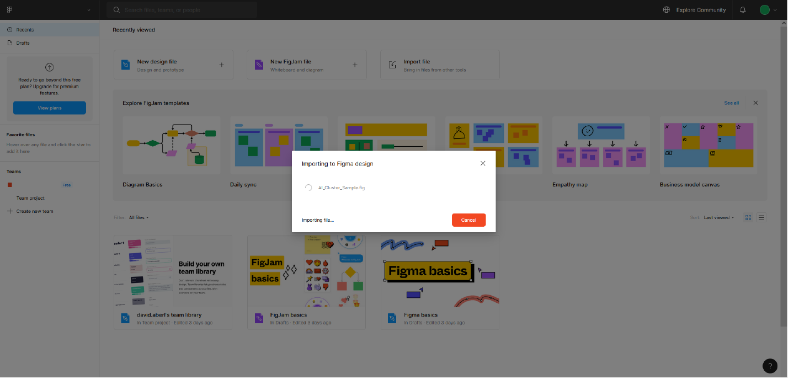
TheFigma uploads the AI_Cluster_Sample.figwill be uploadedfile to your account.

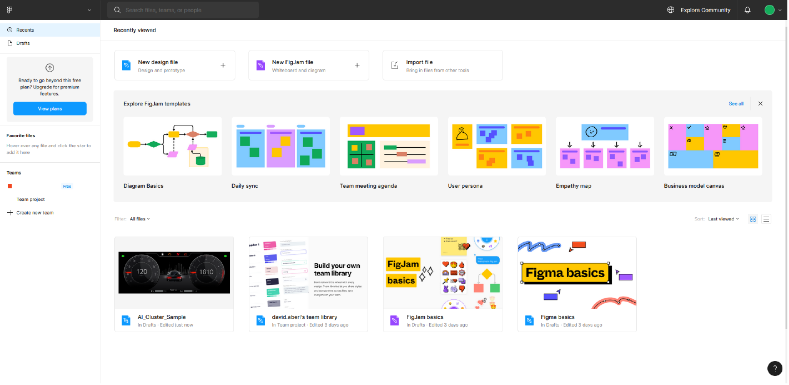
- After
uploading,Figmayouuploadswilltheseefile, AI_Cluster_Sample appears intheyourfile.file list.

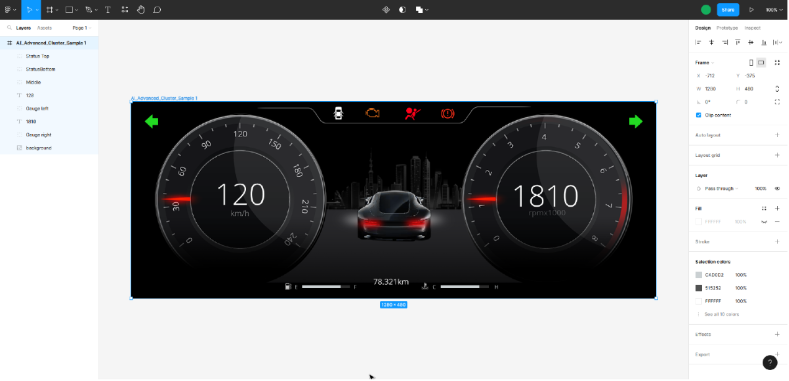
To import this sample file using the Smart Importer, select theImport > Smart Importer > Import from Cloud optionResource... from the menu and follow the settings.import instructions. See Figma import instructions for importmore instructions.information.